You've downloaded the file — now comes the part that trips people up most: giving Android permission to install an app from outside the Play Store. This guide covers that process in detail, phone brand by phone brand.
If you haven't downloaded the file yet, start with our APK download guide. If you're having trouble after following these steps, see our dedicated install problems guide.
Before You Start
Make sure the APK file finished downloading completely and is sitting in your Downloads folder or wherever you saved it. A partial download is the most common reason installation never even begins.
- Confirm you downloaded from the source linked on our download page.
- Have a little patience — the exact wording of Android's permission screens varies by device.
- Close other apps if your phone is low on memory, which can make installs slow or unresponsive.
Allowing Installs From Unknown Sources (Android 8+)
Since Android 8, this permission is granted per app rather than as one global switch. That means you allow your browser or file manager specifically to install apps, not your whole phone.
- Tap the downloaded APK file to start installing.
- If blocked, Android shows a prompt asking to allow installs from that specific app (often Chrome or your Files app).
- Tap Settings on that prompt, then enable the "Allow from this source" toggle.
- Go back and tap the APK file again to continue installing.
Older Android Versions: "Unknown Sources"
On Android 7 and earlier, there's a single global switch instead of a per-app one, usually found under Settings > Security > Unknown Sources.
- Turn this on only when you're ready to install.
- Complete the installation promptly rather than leaving the toggle on indefinitely.
- Turn it back off once the app is installed, following the steps later in this guide.
Differences Between Phone Brands
The core steps are the same everywhere, but the exact menu names differ. Here's roughly where to look.
- Samsung: Settings > Apps > look for the specific app (e.g. Internet or My Files) > Install unknown apps.
- Xiaomi (MIUI/HyperOS): Settings > Apps > Permissions, or you may be prompted directly during install.
- Oppo / Realme (ColorOS): Settings > Additional Settings > Privacy, or a direct prompt during install.
- Vivo (Funtouch/OriginOS): Settings > More Settings > Permission Manager, or a direct prompt.
- Infinix / Tecno (XOS/HiOS): Settings > Apps > Special app access > Install unknown apps.
Understanding Google Play Protect Warnings
Play Protect scans apps installed outside the Play Store and may show a warning before or after installation. This is normal behavior for any APK, not a sign that something is necessarily wrong — but it shouldn't be ignored either.
- If the warning says the app is unrecognized, it means Play Protect doesn't have enough data on it yet, which is common for APKs outside the Store.
- If the warning specifically flags harmful behavior, take that seriously and reconsider installing, even if you tapped download from our site's trusted source.
- You can choose "Install anyway" only if you're confident in the source, but doing so is always your own decision and responsibility.
Reviewing App Permissions
Before tapping the final Install button, Android usually shows a list of permissions the app requests. Take a moment to read it.
- Internet access is expected for an online card game.
- Storage or media access may be requested for saving game data.
- Notification permission may be requested to inform you about game events.
- Be cautious of anything unrelated to a card game, such as requests to read SMS messages, call logs or contacts.
If a permission feels unnecessary, you're free to deny it where Android allows, or to stop the installation altogether.
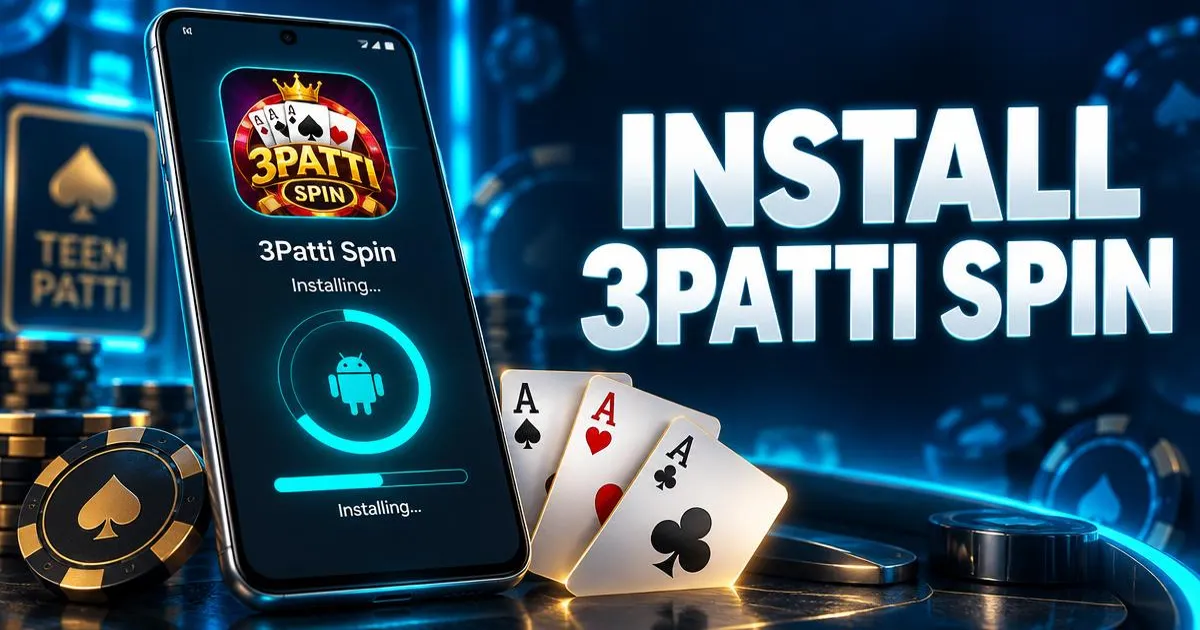
Completing Installation and First Launch
- Tap Install and wait for the progress bar to finish.
- Tap Open when it appears, or find the app icon on your home screen or app drawer.
- Allow any permissions the app requests on first launch, such as internet or notifications.
- Wait for the app to load fully before tapping around — first launches can take longer while files set up.
Once it opens successfully, take a look at our beginner's guide to playing and the games overview to get oriented.
Turning the Install Permission Back Off
Once the app is installed, it's good practice to revoke the "install unknown apps" permission from the app you used (like your browser), so it can't be used to install something unexpected later.
- Go to Settings > Apps, find the app you granted permission to (e.g. Chrome or Files).
- Look for "Install unknown apps" within that app's settings.
- Turn the toggle back off.
If Installation Fails
Sometimes installation stalls or shows an error even after following every step correctly. Don't assume the worst right away.
- "App not installed" often means an older version conflicts with the new file, or storage is low.
- "Parse error" usually points to an incomplete or incompatible download.
- A silent failure with no error can be caused by a background update or antivirus-style app interfering.
Our full troubleshooting guide for APK install issues walks through each of these in detail with fixes.
Frequently Asked Questions
Get 3Patti Spin
Opens the game's download page in a new tab. Play responsibly, 18+.
Download 3Patti Spin