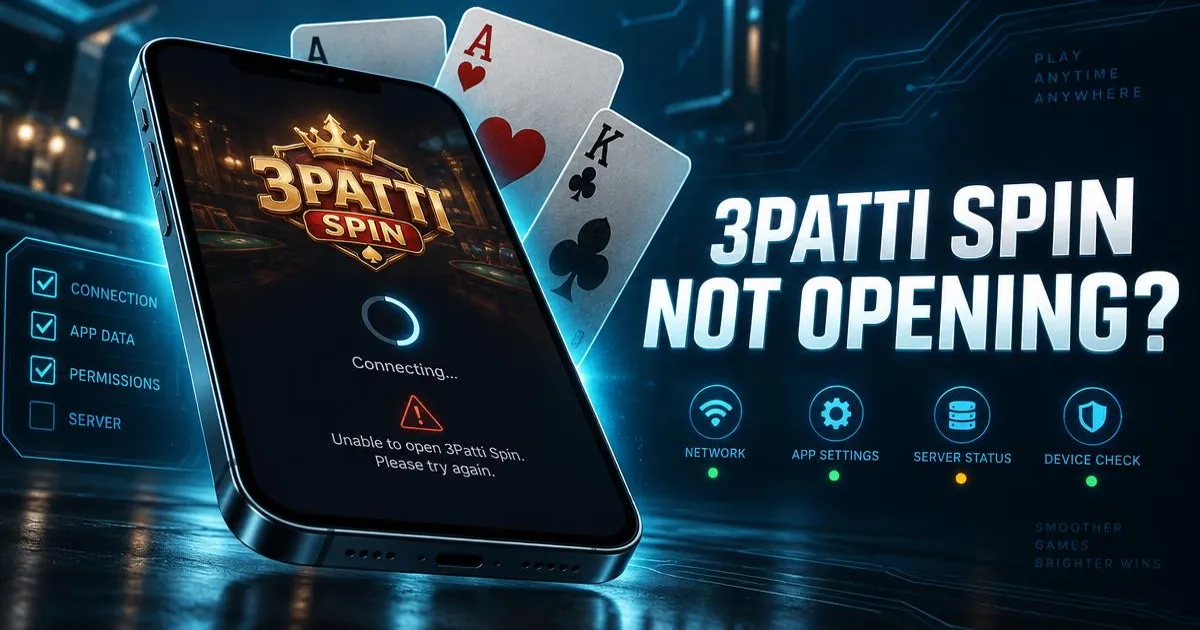
A game that installed without issues but refuses to open is a different problem from an install failure. This usually points to a cache issue, an outdated app or system component, or a background restriction stopping it from launching.
Go through these fixes in order. Most people fix the issue in the first few steps without needing to reinstall anything.
Force stop the app, then try again
If the app is frozen on a loading screen or a black/white screen, it may just be stuck in a bad state from a previous session.
- Go to Settings > Apps, find 3Patti Spin, and tap Force Stop.
- Reopen the app from your home screen.
- If it still won't open, restart your phone fully and try once more.
A full restart clears temporary memory issues and is worth doing before any deeper fix.
Check your internet connection, VPN and DNS
Since the game needs an active connection to load, a weak or blocked connection can look identical to the app being broken.
- Confirm other apps can load data normally on the same connection.
- Turn off any active VPN and try again, since some VPNs or custom DNS settings can block game servers.
- Switch between Wi-Fi and mobile data to see if one works while the other doesn't.
Clear cache first, then app data if needed
A corrupted cache is one of the most common reasons an otherwise working app suddenly stops opening.
- Go to Settings > Apps > 3Patti Spin > Storage.
- Tap Clear Cache first and reopen the app.
- If it still fails, go back and tap Clear Data, then open the app again.
Update the app and your Android system components
An outdated app version can lose compatibility with current servers, and an outdated system WebView component can cause crashes in many apps at once, not just this one.
- Check whether a newer version of the app is available and update using our update guide.
- Update Android System WebView and Google Play Services from the Play Store, since these affect how many apps render.
- Install any pending Android software update under Settings > System > Software update.
Turn off aggressive battery saver and background restrictions
Many phone brands including Samsung, Xiaomi, Oppo, Vivo, Infinix and Tecno include custom battery managers that can prevent apps from starting properly in the background or even on launch.
- Check Settings > Battery for any "optimize" or "sleeping apps" list and remove 3Patti Spin from it.
- Turn off battery saver mode temporarily and try opening the app again.
- Allow the app to run in the background if your phone has that specific toggle.
Free up RAM and storage space
Very low free storage or too many apps running in the background can prevent a game from launching or cause it to crash right after opening.
- Close unused apps running in the background.
- Clear unnecessary files, downloads or old media to free up storage space.
- Restart the phone after cleaning up and try opening the game again.
Check your date, time and time zone settings
Incorrect date and time on the device can cause secure connections to fail silently, which sometimes shows up as an app that won't open or load past the first screen.
Go to Settings > Date & time and turn on "Set automatically" rather than a manually set date.
Reinstall as a last resort
If everything above fails, a clean reinstall resolves most remaining issues caused by deeper file corruption on the device.
- Uninstall the app completely.
- Restart your phone.
- Download the current version from the download page and install it fresh.
Need more device-specific guidance?
For general phone setup and settings differences across brands, see our mobile guide. If the issue only started after an update, read our update guide as well.
Frequently Asked Questions
Get 3Patti Spin
Opens the game's download page in a new tab. Play responsibly, 18+.
Download 3Patti Spin